

Description
Mobile Device Management Software for Centralised Device Control
Mobile device management software gives growing businesses a central way to control devices spread across warehouses, retail stores, vehicles, offices and remote locations. Smartphones, tablets, rugged barcode scanners and computers can be monitored and supported without needing to handle each device physically.
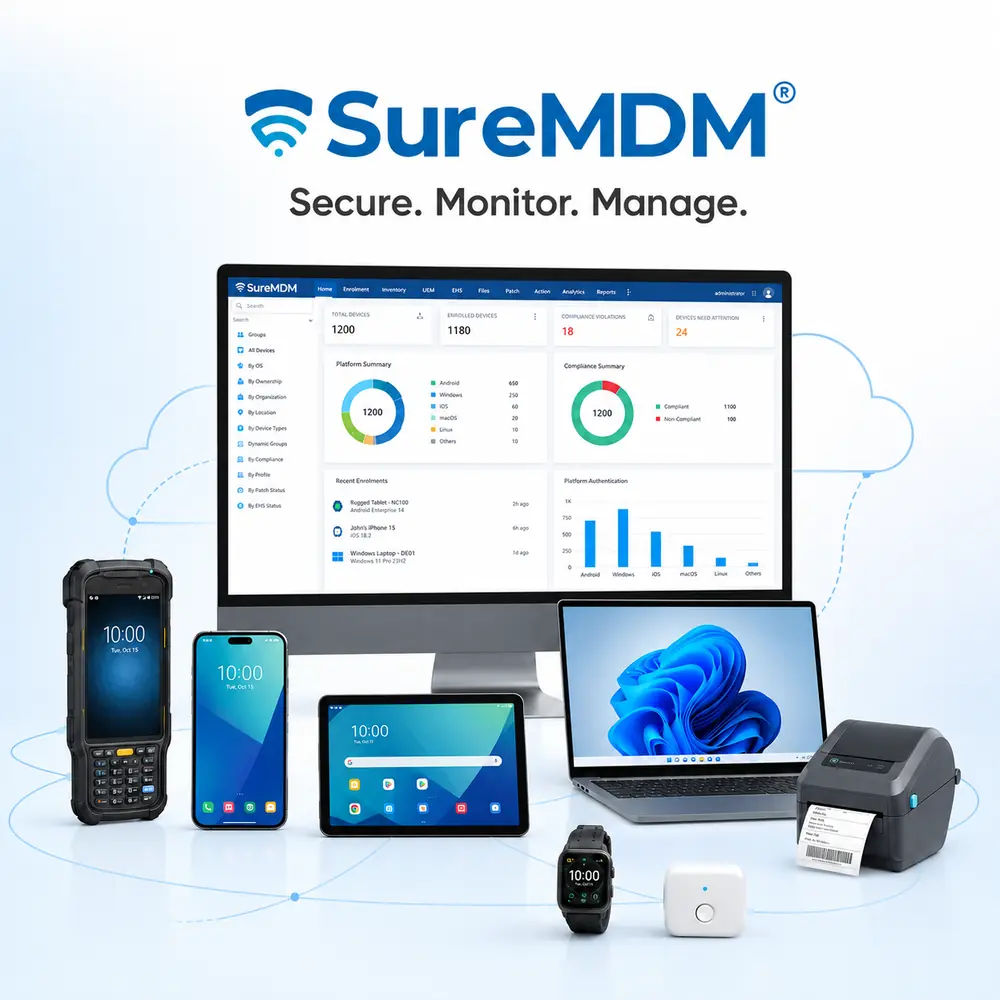
SureMDM mobile device management software provides a central platform for enrolling, configuring, monitoring and securing business devices throughout their lifecycle. Administrators can deploy applications and settings, provide remote support, enforce security policies and securely retire devices from one console.
SureMDM is suitable for organisations managing a small device fleet through to complex multi-site and enterprise deployments.
Mobile Device Management Software Features
SureMDM gives administrators visibility and control over enrolled devices from a secure, centralised console.
- Device enrolment and provisioning: Configure new devices using options such as Android Zero-Touch Enrolment, Apple Business Manager and Windows Autopilot.
- Remote device management: Remotely view, control and troubleshoot supported devices, transfer files and provide unattended support.
- Application management: Install, update, remove and control business applications across individual devices or complete device groups.
- Kiosk lockdown: Restrict devices to one application, multiple approved applications or selected business websites.
- Content distribution: Securely distribute company files, documents, certificates and other business content.
- Location and inventory tracking: View enrolled device information and locate company-owned devices where supported and permitted.
- Device-drop detection: Use supported device sensors to detect physical impacts and identify devices that may require inspection.
- Security and compliance: Enforce passwords, encryption, application restrictions and other device-compliance policies.
- Remote lock and wipe: Protect company information when a device is lost, stolen or retired.
- Monitoring and reporting: Monitor battery health, device status, application usage, data consumption and compliance.
- OS updates and security patches: Remotely deploy supported operating-system updates and security patches.
- Peripheral and IoT management: Manage supported printers, barcode scanners, cradles, batteries and Internet of Things devices.
Device Drop Detection with MDM Software
SureMDM’s device-drop detection can use physical-handling and impact data reported by supported device sensors. This helps organisations identify rugged mobile computers, tablets and other Android devices that may have been dropped or subjected to a significant impact.
Administrators can configure:
- Drop count: Monitor the number of detected drop events within a specified period.
- Drop severity: Evaluate the G-force or intensity of an individual impact.
- Impact threshold: Set the sensitivity used to distinguish an actual drop from normal device handling.
- Compliance actions: Flag affected devices and configure notifications or other actions when the defined threshold is exceeded.
This can help businesses identify damaged equipment earlier, arrange preventative inspections and better understand how company-owned devices are being handled.
Drop detection requires compatible Android devices with supported accelerometers and a compatible version of the SureMDM Agent. Available information and actions may vary according to the device model and configuration.
What Is the Difference Between MDM, EMM and UEM?
MDM, EMM and UEM describe different levels of device and endpoint management.
Mobile Device Management – MDM
Mobile Device Management focuses primarily on enrolling, configuring, securing and remotely managing mobile devices such as smartphones, tablets and rugged handheld computers.
An MDM solution allows administrators to deploy applications and settings, enforce security requirements, remotely troubleshoot devices and protect company data.
Enterprise Mobility Management – EMM
Enterprise Mobility Management includes traditional MDM features but expands into managing business applications, content, user access and company data on mobile devices.
EMM helps organisations provide employees with secure access to business resources while maintaining control over how corporate applications and information are used.
Unified Endpoint Management – UEM
Unified Endpoint Management provides the broadest coverage. It brings smartphones, tablets, laptops, desktop computers, rugged devices, wearables, printers and IoT endpoints into one central management platform.
SureMDM covers all three areas. It can be used as an MDM solution while also providing Enterprise Mobility Management and Unified Endpoint Management capabilities for organisations with a broader mix of devices and endpoints.
Supported Devices and Operating Systems
SureMDM supports a wide range of operating systems and business devices, including:
- Android smartphones
- Rugged Android tablets
- Rugged Android mobile computers and barcode scanners
- Apple iPhone and iPad devices
- Windows laptops, desktops and tablets
- macOS computers
- Linux devices
- ChromeOS devices
- Wear OS devices
- tvOS devices
- Virtual-reality devices
- Supported printers, scanners and peripheral equipment
- Supported Internet of Things devices
This multi-platform support allows businesses to manage mixed device fleets without relying on a separate management platform for every operating system or device type.
How Mobile Device Management Software Reduces Downtime and Support Costs
SureMDM can reduce the time and cost involved in maintaining devices across multiple sites.
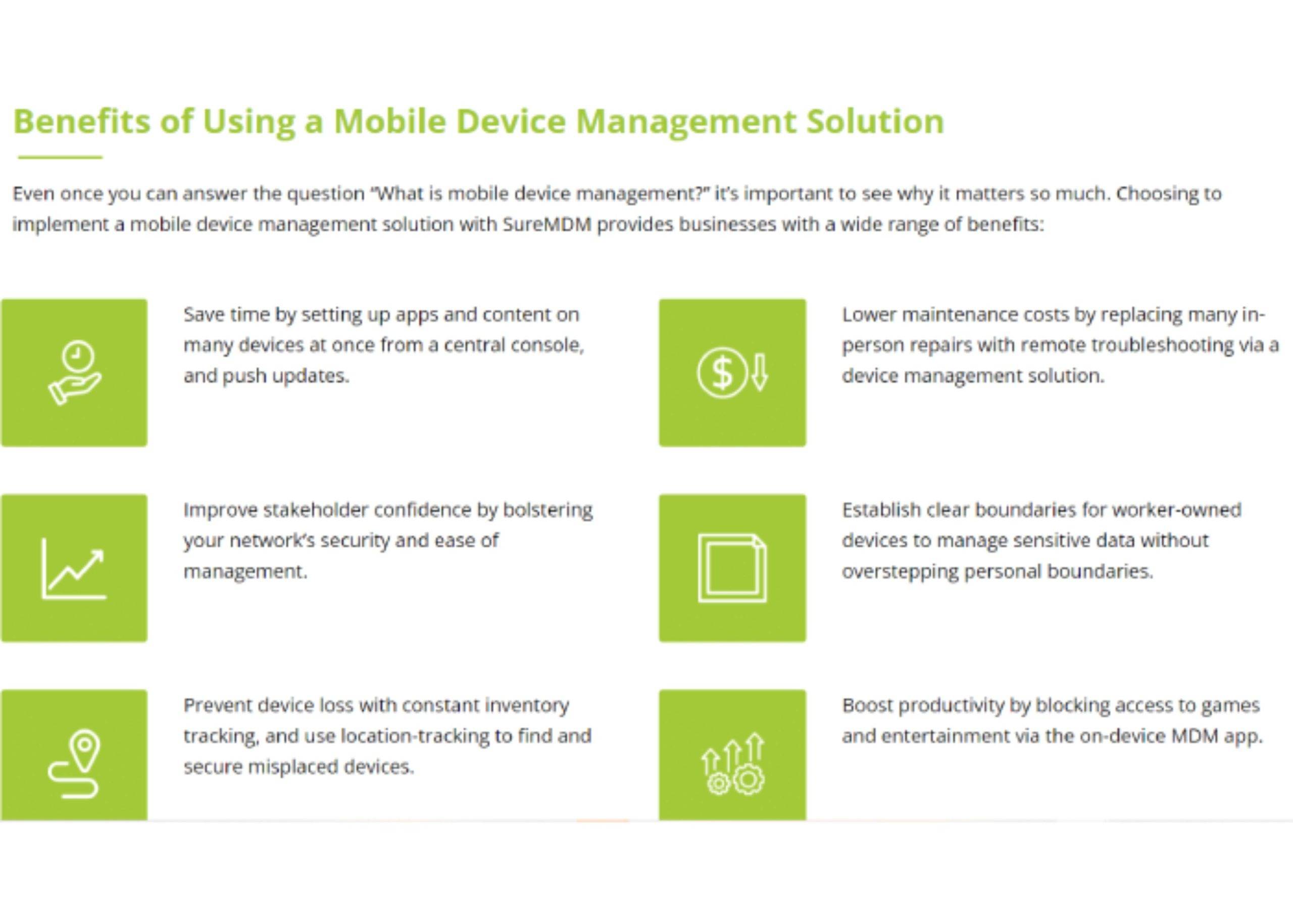
IT teams can remotely diagnose problems, update applications, change configurations and assist users without shipping devices back to a service centre or travelling to the site. Updates and policies can also be applied to device groups simultaneously instead of configuring every device manually.
SureMDM can help your organisation:
- Reduce onsite service visits.
- Minimise device and employee downtime.
- Maintain consistent application versions.
- Improve visibility across the device fleet.
- Respond faster to lost or non-compliant devices.
- Identify potentially damaged or mishandled devices.
- Reduce repetitive work for internal IT personnel.
- Improve application and security-policy compliance.
Kiosk Mode and Dedicated-Purpose Devices
SureMDM can convert supported smartphones, tablets and rugged mobile computers into controlled, dedicated-purpose devices.
Using kiosk lockdown, administrators can restrict a device to:
- One approved business application.
- A selected group of applications.
- Approved business websites.
- Digital signage or customer-facing content.
- Specific settings and functions required by employees.
Kiosk mode can help prevent unauthorised application use, accidental setting changes and access to distracting or potentially unsafe websites.
This is particularly useful for warehouse scanners, retail POS devices, stocktake terminals, visitor check-in tablets, driver devices and customer-facing kiosks.
Mobile Device Management Software for Warehousing, Retail and Field Operations
SureMDM can be used across a wide range of industries.
Warehousing and Logistics
Manage rugged barcode scanners, vehicle-mounted computers, tablets and warehouse devices. Remotely distribute applications, monitor device health and provide support without returning devices to the IT department.
Retail
Control mobile POS devices, stocktake scanners, kiosks and store tablets. Maintain consistent applications and configurations across multiple retail locations.
Transport and Delivery
Monitor field devices, deploy application updates and remotely assist drivers and mobile employees. Device-drop detection can also help identify field equipment that may have experienced a damaging impact.
Manufacturing
Manage production-floor tablets, rugged scanners, workstations, printers and supported IoT equipment from one console.
Healthcare
Secure supported mobile devices, distribute approved applications and control access to sensitive business resources.
Education
Configure school-owned tablets and computers and restrict devices to approved applications, websites and learning resources.
Field Service
Support remote employees, protect company data and maintain consistent business applications across geographically dispersed devices.
Support Company-Owned, Shared and BYOD Devices
SureMDM supports several device-ownership and mobility strategies.
- Company-owned devices: Maintain organisational control over applications, settings and security.
- Dedicated-purpose devices: Lock devices into the applications and functions required for a specific job.
- Shared devices: Allow multiple authorised users to securely use the same device.
- Bring Your Own Device: Protect company applications and information while keeping business and personal data appropriately separated.
- Choose Your Own Device: Allow employees to select from an approved range of devices that can be securely managed.
The appropriate configuration will depend on the device owner, intended use, operating system and your organisation’s security policies.
Cloud-Hosted or On-Premise MDM Software
SureMDM is available as either a cloud-hosted service or an on-premise deployment.
Cloud-Hosted SureMDM
Cloud deployment provides a faster implementation without requiring your organisation to build and maintain the underlying SureMDM server infrastructure.
It is suitable for organisations seeking a scalable mobile device management solution that can be accessed by authorised administrators from different locations.
On-Premise SureMDM
An on-premise deployment allows an organisation to host SureMDM within its own infrastructure.
This may be appropriate when internal policies, security requirements or regulatory obligations require the organisation to retain greater control over the hosting environment.
Track n Trace can help assess your device types, operating systems, security requirements and number of endpoints before recommending the most appropriate deployment.
SureLock, SureFox and SureVideo Included
SureMDM also includes access to additional 42Gears device-management tools.
SureLock Kiosk Lockdown
SureLock restricts supported devices to one application or a controlled selection of approved applications. It is designed for dedicated business devices where users should not access personal applications or unauthorised settings.
SureFox Secure Browser
SureFox restricts browsing to approved business websites. This allows an organisation to provide controlled internet access without giving users unrestricted web browsing.
SureVideo Digital Signage
SureVideo can convert supported devices into controlled digital-signage displays for promotional, informational or customer-facing content.
These tools are useful for dedicated devices used in retail, warehousing, hospitality, manufacturing, education and customer-service environments.
Australian Mobile Device Management Software Setup and Support
Track n Trace provides Australian consultation, licensing assistance, implementation, training and ongoing support for SureMDM.
We can help determine:
- How many devices need to be managed.
- Which operating systems and device types are involved.
- Whether remote viewing or remote control is required.
- Whether devices need kiosk lockdown.
- Whether drop detection is supported by your selected hardware.
- Whether the devices are company-owned, shared or BYOD.
- Whether cloud-hosted or on-premise deployment is more appropriate.
- Which SureMDM subscription level suits your requirements.
Contact Track n Trace to request a tailored SureMDM quote, arrange a free consultation or ask about a 30-day trial.
See SureMDM Mobile Device Management Software in Action
Watch how 42Gears SureMDM helps administrators secure, monitor and remotely manage Android, Apple, Windows, macOS and Linux devices from one central console.
Watch the 42Gears SureMDM demonstration
Frequently Asked Questions
What Is Mobile Device Management Software?
Mobile device management software allows an organisation to enrol, configure, monitor, secure and remotely support business devices from a central platform.
It can help administrators deploy applications, apply security policies, troubleshoot devices and protect company information without needing physical access to every device.
Is SureMDM an MDM, EMM or UEM Solution?
SureMDM covers all three areas. It provides Mobile Device Management for enrolling and securing devices, Enterprise Mobility Management for applications and content, and Unified Endpoint Management for managing a broader range of computers, rugged devices, wearables and IoT endpoints.
Can SureMDM Manage Rugged Barcode Scanners?
Yes. SureMDM can manage supported rugged Android mobile computers and barcode-scanning devices, including application deployment, kiosk lockdown, remote troubleshooting, device monitoring and security policies.
Available functionality can vary according to the device manufacturer, model, operating system and enrolment method.
Can SureMDM Detect When a Device Is Dropped?
Yes, on compatible Android devices. SureMDM’s drop-detection compliance feature can use supported accelerometers to monitor drop count, impact severity and predefined physical-stress thresholds.
Administrators can use this information to flag devices for inspection and configure notifications or other compliance actions. Compatible hardware and SureMDM Agent requirements apply.
Can SureMDM Remotely Control a Device?
SureMDM supports remote screen viewing and remote control on compatible devices. Available remote-control functions can vary according to the device manufacturer, operating system and configuration.
Can Devices Be Locked Into One Application?
Yes. SureLock can place supported devices into single-app or multi-app kiosk mode, preventing users from accessing unauthorised applications, settings or websites.
Can SureMDM Manage Employee-Owned Devices?
Yes. SureMDM supports BYOD management options that can separate protected business applications and company data from an employee’s personal information.
Is SureMDM Cloud-Based?
SureMDM is available as both a cloud-hosted solution and an on-premise deployment for organisations that need to manage the platform within their own infrastructure.
How Much Does SureMDM Cost?
Pricing depends on the number of devices, required features, operating systems, subscription period and deployment method. Track n Trace can provide a tailored quote after reviewing your device-management requirements.


