
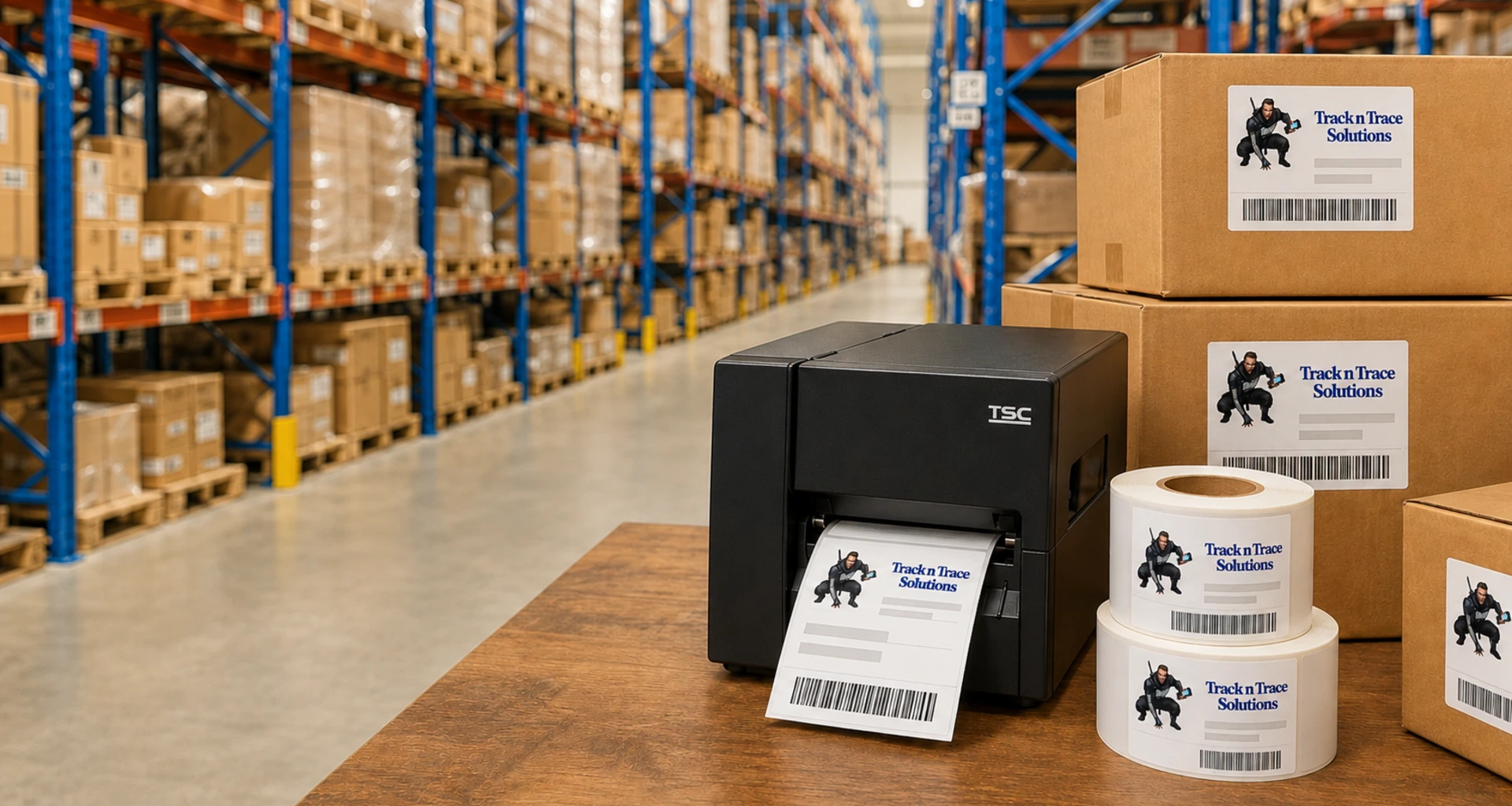

Barcode Printers and Barcode Label Printers Australia
- Shop barcode printers and barcode label printers with Australia-wide delivery.
- Choose from direct thermal and thermal-transfer barcode printers for retail, warehousing, inventory and product labelling.
- Quality barcode printers available from $370 ex GST.
- Print barcodes and labels using free barcode printer software or advanced paid software.
- Not sure which printer is right for your business? Contact our Australian team for expert advice.
Products
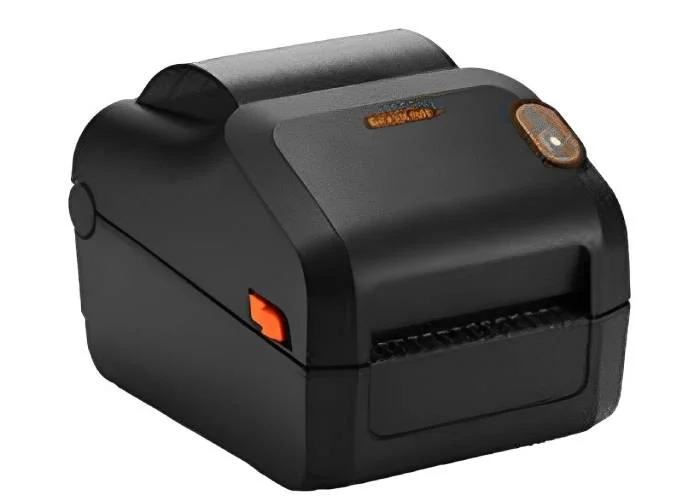


Choosing the Right Barcode Printer
A reliable barcode printer makes it easier to produce clear, accurate labels for products, stock, shelves, assets and warehouse operations. Track n Trace supplies barcode printers and barcode label printers for businesses throughout Australia, with options suitable for both occasional label printing and regular commercial use.
The best printer for your business will depend on how many labels you print, the required label size, the operating environment and how long each label needs to remain readable. Our team can help you compare models and choose a barcode and label printer that suits your application, software and budget.
Direct Thermal or Thermal Transfer Barcode Printers?
The two most common printing methods are direct thermal and thermal transfer. Understanding the difference will help you select the right barcode printer and label material.
Direct Thermal Label Printers
A direct thermal label printer applies heat directly to specially coated thermal labels. It does not require an ink cartridge, toner or printing ribbon, making it simple to operate and maintain.
Direct thermal printing is well suited to labels that will only be required for a limited period, including:
- Retail and inventory labels
- Picking and packing labels
- Short-term product identification
- Receipts and tickets
- Courier and dispatch labels
For businesses primarily printing delivery and courier labels, please see our dedicated Shipping Label Printers range.
Thermal Transfer Barcode Printers
A thermal transfer printer uses heat to transfer ink from a ribbon onto the label. This produces a durable barcode that can resist fading, moisture, handling and changing temperatures when matched with the correct label and ribbon.
Thermal transfer barcode printers are commonly used for:
- Long-term product identification
- Warehouse and pallet labels
- Asset identification
- Equipment and tool labels
- Outdoor or demanding environments
- Labels that need to remain readable for extended periods
Many thermal transfer printers can also operate in direct thermal mode, giving your business greater flexibility.
Barcode Label Printers for Australian Businesses
Our barcode label printers can support a wide range of industries and business applications. They can be used to print barcodes for retail products, inventory management, warehouse locations, stock control, asset tracking and order fulfilment.
Common applications include:
- Printing product and price labels in retail stores
- Identifying cartons, shelves, bins and warehouse locations
- Creating asset labels for equipment and tools
- Labelling incoming and outgoing inventory
- Producing serial numbers and sequential barcodes
- Printing labels from spreadsheets or business databases
Whether you require a compact desktop barcode printer or a mobile printing solution such as the K388, choosing the correct model can improve label quality and make everyday printing more efficient.
What to Consider When Buying a Barcode Printer
Before choosing a printer for barcode labels, consider the following:
Printing Volume
A desktop barcode printer may be suitable for light or moderate daily printing. Businesses producing large quantities of labels may require a printer designed for higher-volume operation.
Label Size
Check the width and length of the labels you need to print. The printer must support the required label dimensions and media type.
Print Resolution
Standard 203 dpi printing is suitable for many general barcode applications. Higher-resolution printing may be required for very small barcodes, fine text, detailed graphics or compact labels.
Connectivity
Barcode printers may connect through USB, Ethernet, serial, Wi-Fi or Bluetooth. The right connection will depend on your computers, network and working environment.
Tear Bar or Automatic Label Cutter
Many standard barcode printers include a tear bar, allowing the operator to manually tear off each printed label or strip of labels.
For businesses that require individual labels to be separated automatically, selected barcode printer models can be ordered with an automatic cutter. The cutter module cuts the label or continuous media after printing, which can save time and provide a cleaner, more consistent finish.
Automatic cutters may be supplied as a factory-fitted option or compatible accessory, depending on the printer model. Let us know if you require a tear bar or automatic cutter when requesting a quote so we can recommend a suitable configuration.
Label Durability
Consider how long the barcode must remain readable and whether it will be exposed to sunlight, moisture, chemicals, cold temperatures or frequent handling. These conditions will help determine whether direct thermal or thermal transfer printing is most appropriate.
Barcode Software
Barcode printer software allows you to design labels, create barcodes and connect variable information from sources such as Excel spreadsheets or databases. Free software may be suitable for straightforward label designs, while advanced applications may require full barcode labelling software.
Barcode Labels and Printing Software
A barcode printing system includes more than the printer itself. The label material, ribbon, software and barcode design must all work together to produce reliable, scannable results.
Track n Trace can assist with barcode labels, barcode printer software and product selection. We can also provide professional label printing for businesses that do not want to print their own labels or that require assistance with a particular project.
Need Help Selecting a Barcode Printer?
Choosing between different printer models and printing technologies can be confusing. Track n Trace provides Australian sales assistance and support to help you find a barcode label printer that works with your labels, software and business requirements.
Contact our team to discuss the number of labels you need to print, your preferred label size, required connectivity and operating environment. We can recommend a practical barcode printing solution for your business.
Barcode Printer FAQs
What is a barcode printer?
A barcode printer is designed to print barcode labels, text and other variable information. Unlike a standard office printer, it can print individual adhesive labels from a roll and is designed for regular label production.
Do barcode printers need ink?
Direct thermal barcode printers do not require ink, toner or a ribbon. Thermal transfer printers use a printing ribbon to produce a more durable image.
Can I print different types of barcodes?
Most barcode labelling software can create common one-dimensional and two-dimensional barcode formats. The available formats will depend primarily on the software used to design the label.
Can a barcode printer connect to my computer or network?
Yes. Depending on the model, barcode printers may offer USB, Ethernet, serial, Wi-Fi or Bluetooth connectivity. Check the printer specifications or contact us for assistance choosing the right connection.
What is the best barcode printer for a small business?
The best model depends on your printing volume, label size, required durability and connection method. A compact desktop direct thermal or thermal transfer printer is often a practical choice for small and medium-sized businesses.
Can you help me choose labels and software?
Yes. Track n Trace can assist with compatible barcode labels and barcode printer software, as well as printer selection and label-printing requirements.


