Description
How it works
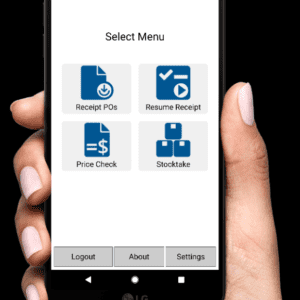
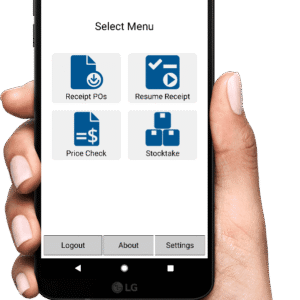
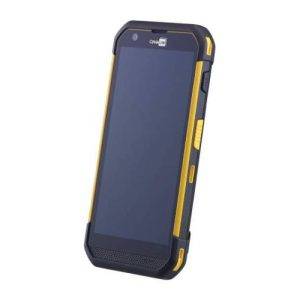
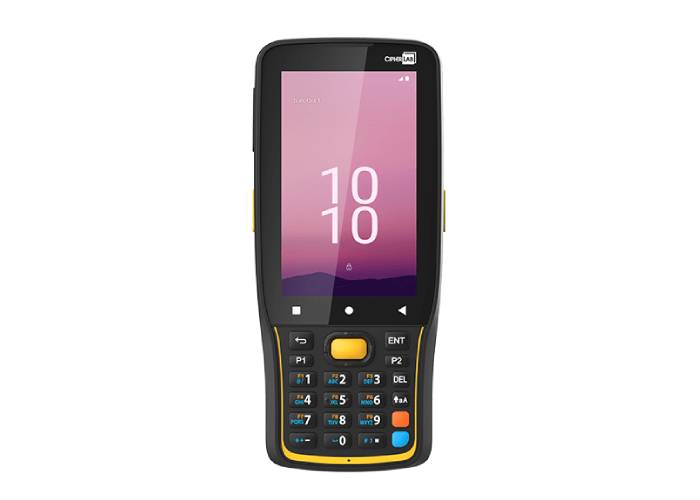
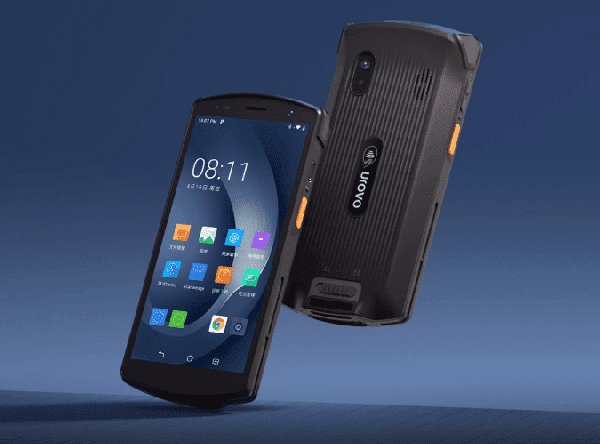
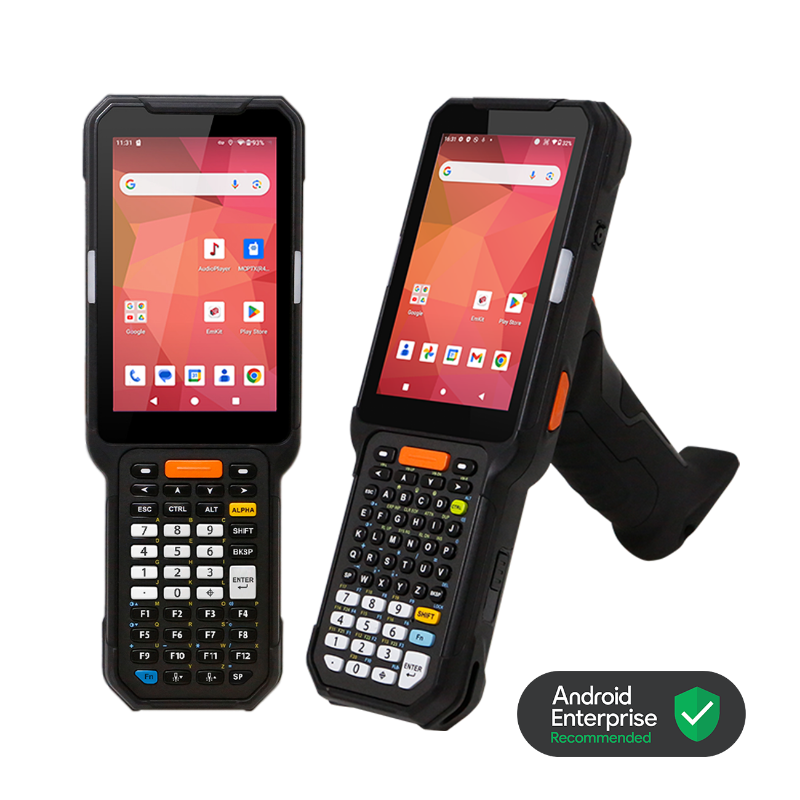
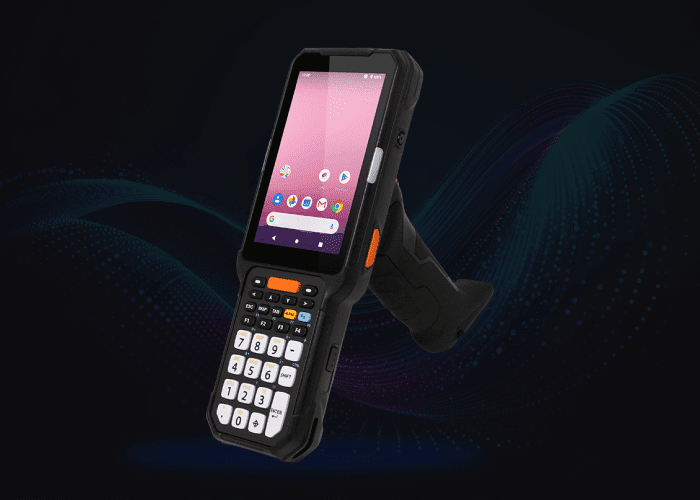
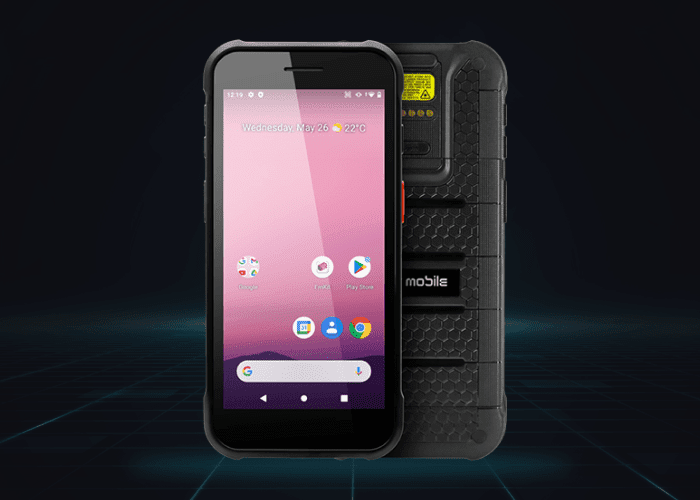
The Rex stocktake app is now one of several functions within MobileREX app that Track n Trace supply. The stocktake function works on most Android PDA scanners we supply and has been developed to capture your stocktake data and upload back in a format that is compatible for Retail Express.
Before you get going, you will need to create a stockfile (lookup table) of all your data for your PDA scanner and import into your Rex stocktake application. You could produce a mass product download report from REX first. All you will need for the stocktake app will be 3 x fields of data for your stockfile. You to track up to 2 x key barcode fields. Most common barcode fields are the Product ID # and supplier SKU #. Your 3rd field is a short description.
In stocktake, scan any barcode field you have nominated to track stock with, and you will get a good beep validation on screen of PDA scanner as well a description showing on screen of that item scanned. If you scan an item that is not loaded into your stocklist / lookup table, it will give you a message saying data not found on screen and a bad sound validation.
You can also choose before starting a stocktake, a setting if you are scanning for bulk qty items or single scanning. Meaning if each item scanned needs a qty, the app will prompt you to add a qty after each scan. If you select the single scanning setting, you will only need to scan the item and a qty of 1 will be applied to each count record.
You can send your collected stocktake data after the stocktake, via your Wi-Fi network or the 4G network if you decide you add a sim card to the PDA scanner. You also have the option of saving the stocktake count data to the device (most comon) so you can retrieve the data after the stocktake has finished.
You will also need to familiarise yourself with a tool from Retail Express called Wireless Excel scan tool. Basically, this tool allows you to push all your products into it via mass product download.
Then at the end of the stocktake, the data collected from the Android PDA scanner will be a text file called the REX Counts file. This is also imported into the wireless excel scan tool via mobile import.
Now if there are any differences from what you have counted with the PDA scanner, compared to whats in your system, you will see a variance in the wireless excel scan tool. You will need to make sure which is correct. The scanner or your data in system. Once you have resolved all variances, you save the data in the wireless excel scan tool and send back into Retail Express as a csv file. Your system is now updated.
For support on the wireless excel scan tool, please contact Retail Express. Track n Trace will support you on using the PDA scanner with the REX stocktake app on it.
Please also see this link in Retail Express. Most of the important information relating to uploading data from the PDA scanner will be in Step 2 – Create a Stocktake (Mobile Device/PDA scanning) (maropost.com)